

Ally generates alternative formats for course content that suit the needs of different students. Whether you prefer to listen to course readings during your commute or rely on screen-reader technology for scanned materials, Ally provides options.
What is an alternative format?
Ally creates alternative formats for your course content based on the instructor’s original uploaded files. These formats are made available along with the original content, so you can find everything in one convenient location.
You can download the alternative formats anywhere you see the Ally accessibility tool's alternative formats download icon. Just choose the version of the original that works best for your needs.
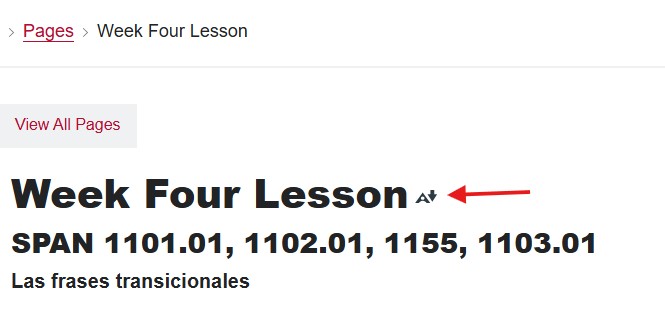
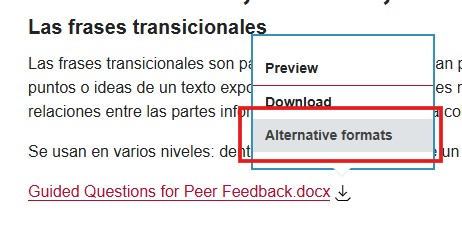
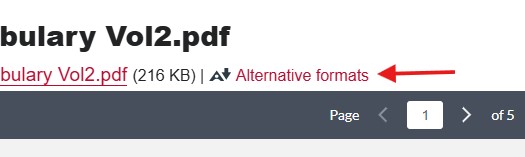
Select the Download Alternative Formats button to download the content in a different format. Choose the version that is best for your needs!
Navigate Alternative Formats
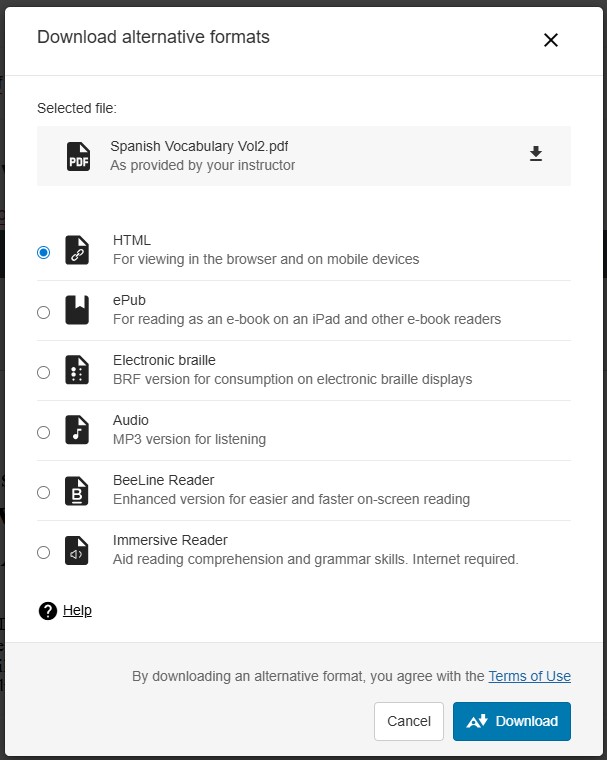
Where will you access your alternate format? When selected, the alternative formats link opens the Download alternative formats dialog with these options:
- Tagged PDF: Downloads to device
- HTML: Opens in a new browser window
- ePub: Downloads to device
- Electronic braille: Downloads to device
- Audio: Downloads to device
- BeeLine Reader: Opens in the browser window
Need help choosing? More on alternative formats.